Shopping guide
How to choose an ABBYY FineReader PDF plan
ABBYY offers FineReader PDF for Windows and Mac alongside business licensing, server OCR and document-capture products. Individual buyers should compare operating system, OCR volume, editing features and subscription term before selecting an offer. A lower price is not useful if the edition omits a required workflow.
Browse related software offers, business-tool deals and office-productivity savings while comparing alternatives.
Start with the document task
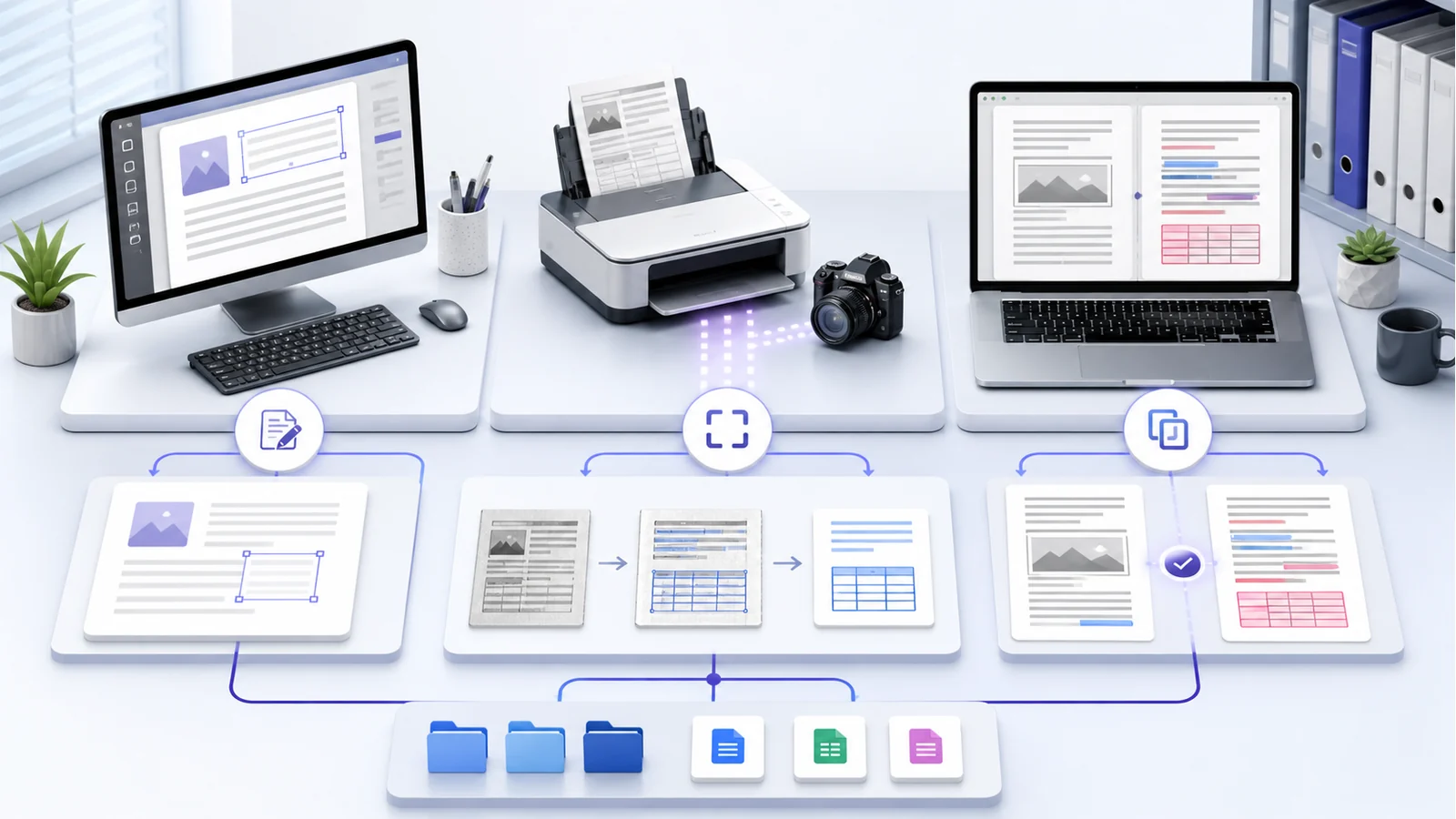
List whether you need to make scans searchable, convert PDFs to Word or Excel, edit digital PDFs, compare documents, apply redaction, create forms or automate a watched folder. FineReader PDF’s main strength is OCR and scanned-document work, but editions and operating systems differ.
Test representative files rather than a clean sample only. Include skewed scans, tables, small print and the languages used in normal work. OCR output should always be reviewed where accuracy has legal, financial or safety consequences.
Compare Standard, Corporate and Mac editions
The official pricing page positions Standard as a general PDF and OCR application. Corporate adds document comparison and automated Hot Folder conversion, with the listed automated monthly page allowance. The Mac edition focuses on OCR and conversion but has a more limited PDF feature set than Windows.
Do not purchase a Windows licence for Mac or assume feature parity. Check the current comparison table, system requirements and supported language list. FineReader PDF 16 currently supports 64-bit Windows 10 and 11 according to official specifications.
Understand subscription billing
ABBYY currently lists monthly, annual and three-year options for selected standalone editions. The plan renews and bills according to the chosen term. Windows installations update after renewal, while the Mac product currently requires entering a newly delivered licence on renewal.
Record the renewal date and manage a direct web purchase through the ABBYY Checkout account. Reseller purchases are managed through that reseller. Compare total multi-year cost, not only the monthly equivalent.
Choose the correct business licence
A standalone licence is not automatically suitable for a team, virtual desktop or shared network. ABBYY describes Per Seat, Remote User, Concurrent and Site licensing for different deployments, with minimum quantities for several business options.
Organisations should test deployment, activation, updates and security controls in a business trial. CLI-enabled licences are limited to specified licence types. Ask ABBYY sales for written confirmation before integrating automated conversion into another system.
Protect confidential documents
Before using any PDF tool with personal, legal, medical or client information, confirm where files are processed and stored. Apply organisational retention and access policies, secure temporary files and verify redaction by inspecting the exported document. Covering text visually is not necessarily secure redaction.
OCR can introduce character errors. Compare critical names, totals, dates and clauses against the source, and retain an authorised original.
Prepare scans for better OCR
Recognition quality improves when pages are straight, evenly lit and captured at a suitable resolution. Remove shadows, fingers and background clutter from camera images. Select the correct recognition languages and preserve page order before conversion.
For tables, handwriting, unusual fonts or degraded archives, test a representative sample before committing to a large project. Review layout, reading order and formulas after exporting to Word or Excel. Automation saves time only when its error-checking step is planned.
Plan upgrades and archive access
Record licence keys, installer sources and account ownership in a secure organisational record. Check whether files produced by the workflow remain usable if the subscription ends. Standard PDF outputs normally remain documents, but continued editing, OCR or automation requires licensed software.
Before an operating-system upgrade, confirm that the installed FineReader version remains supported. An end-of-life version may still launch but lack updates or official assistance.
Trial, registration and product lifecycle
ABBYY currently offers an individual trial with time and conversion limits and a longer multi-licence business trial by request. Use the trial to test actual workflows. Product registration is not required merely to activate according to current support guidance, but registration provides support and serial-number recovery benefits.
Check lifecycle status before buying an older key from a reseller. FineReader 15 is listed as end of life, with FineReader PDF 16 as its successor.
How to use an ABBYY coupon
- Open a current CouponzWorld ABBYY offer.
- Follow the tracked link to official pricing.
- Select operating system, edition and term.
- Apply the code and verify the reduction.
- Confirm renewal, tax and licence type.
Volume, education, upgrade and new-subscription offers can have different eligibility.
Frequently asked questions
Are Windows and Mac features identical?
No. ABBYY states that the Mac edition has strong OCR but a more limited PDF feature set.
Can one standalone licence cover a team?
Not automatically. Business use may require Per Seat, Concurrent, Remote User or Site licensing.
Does OCR guarantee perfect text?
No. Recognition output must be checked, especially for critical documents.
Does the subscription renew automatically?
Official pricing says billing occurs automatically according to the selected subscription plan.
CouponzWorld is independent of ABBYY. Confirm current features, system requirements, licensing and renewal terms on ABBYY’s official website.